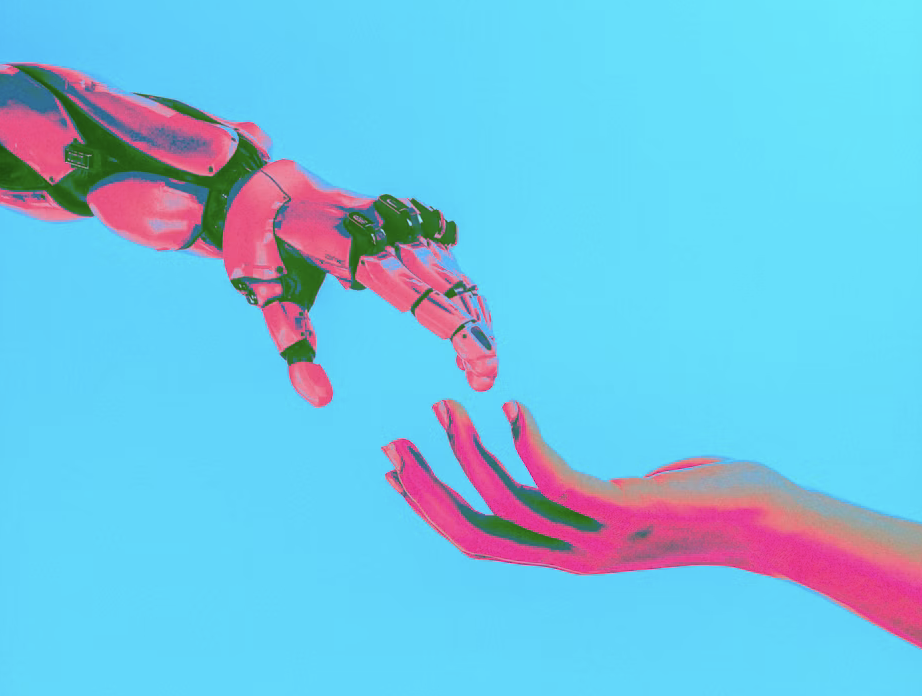
Brace and Embrace: How AI Fits Into Our Deck-Building Workflow
AI isn't going to write our decks for us. But it's already changing where our time goes — and for producers and designers, that shift is worth getting ahead of rather than reacting to.
This isn't a pitch to hand production over to a chatbot. It's a practical look at where AI genuinely speeds up our workflow, where it introduces risk, and the checkpoints we're putting in place so speed doesn't come at the cost of quality.
Why This Matters to Us
AI can't replace design judgment, brand consistency, or client nuance. What it can do is speed up drafts, generate more variations than we'd ever have time for manually, and cut down on repetitive production work.
The practical effect: less time spent on first drafts, more time spent on refinement, realism, and QA. That's a good trade — as long as we're intentional about where the extra time goes.
Content Assets: Faster First Drafts
The earliest, most repetitive parts of deck-building are where AI earns its keep fastest.
- Naming and branding — names, taglines, and logo concepts can be drafted and iterated in minutes instead of days.
- Copy — problem and solution framing can be drafted quickly, then fact-checked and adjusted for voice.
- The human pass — tone, brand voice, and factual accuracy are still ours to own. AI gets us to a draft faster; it doesn't get us to a final version.
Making It Believable and Buildable
This is the part that matters most from a production standpoint. The bar for AI-assisted work isn't "looks AI-generated" — it's "looks real, and ships clean."
- Realism — mockups and demo data need to match real product conventions, not generic AI defaults.
- Accuracy — logos, names, and positioning in comparison charts need to be verified before anything goes client-facing.
- Feasibility — check that the output is actually production-ready: editable files, correct resolution, right aspect ratio. A flat image that has to be rebuilt from scratch isn't a time-saver.
- Rule of thumb — if it wouldn't survive a client zooming in or asking a follow-up question, it's not done yet.
Design & Consistency
AI-assisted design tools can suggest layout, color, and imagery fast — but consistency across a full deck is still on us.
- Speed — AI handles first-pass layout, color, and image generation quickly.
- Ownership — we still enforce one template, one palette, one motif across every slide.
- QA — AI can help flag inconsistencies (mismatched fonts, drifting colors, uneven spacing) before a deck reaches final review.
Quality Assurance: Our Checkpoints
Speed doesn't mean skipping QA — it just means QA has to move earlier and happen more often.
- Fact-check — verify every AI-sourced stat, name, and claim before it's treated as final.
- Brand-check — confirm fonts, colors, and template consistency across every slide.
- Realism-check — make sure mockups and demo data hold up to a close look.
- Format-check — confirm files are production-ready: editable, correct resolution, correct aspect ratio.
- Final pass — a human review before anything goes client-facing, no exceptions.
Our Working Rules
Three rules to keep in mind as this becomes part of the normal workflow:
- Check it. Fact-check and brand-check everything AI touches.
- Prove it. Believable and buildable, not just plausible.
- Reuse it. Build the workflow once, and sharpen it with every deck.
The Bottom Line
AI is a strong first-draft partner — for names, copy, mockups, comparisons, and layout ideas. It is not a replacement for the craft, judgment, and QA that make a deck actually ready to put in front of a client. Used well, it moves the busywork out of our way so we can spend more time on the parts of the job that actually require us.
Adapted from an internal presentation on integrating AI into our deck-building workflow, inspired by Donna Griffit's "Brace and Embrace" framework for AI-assisted pitch decks.